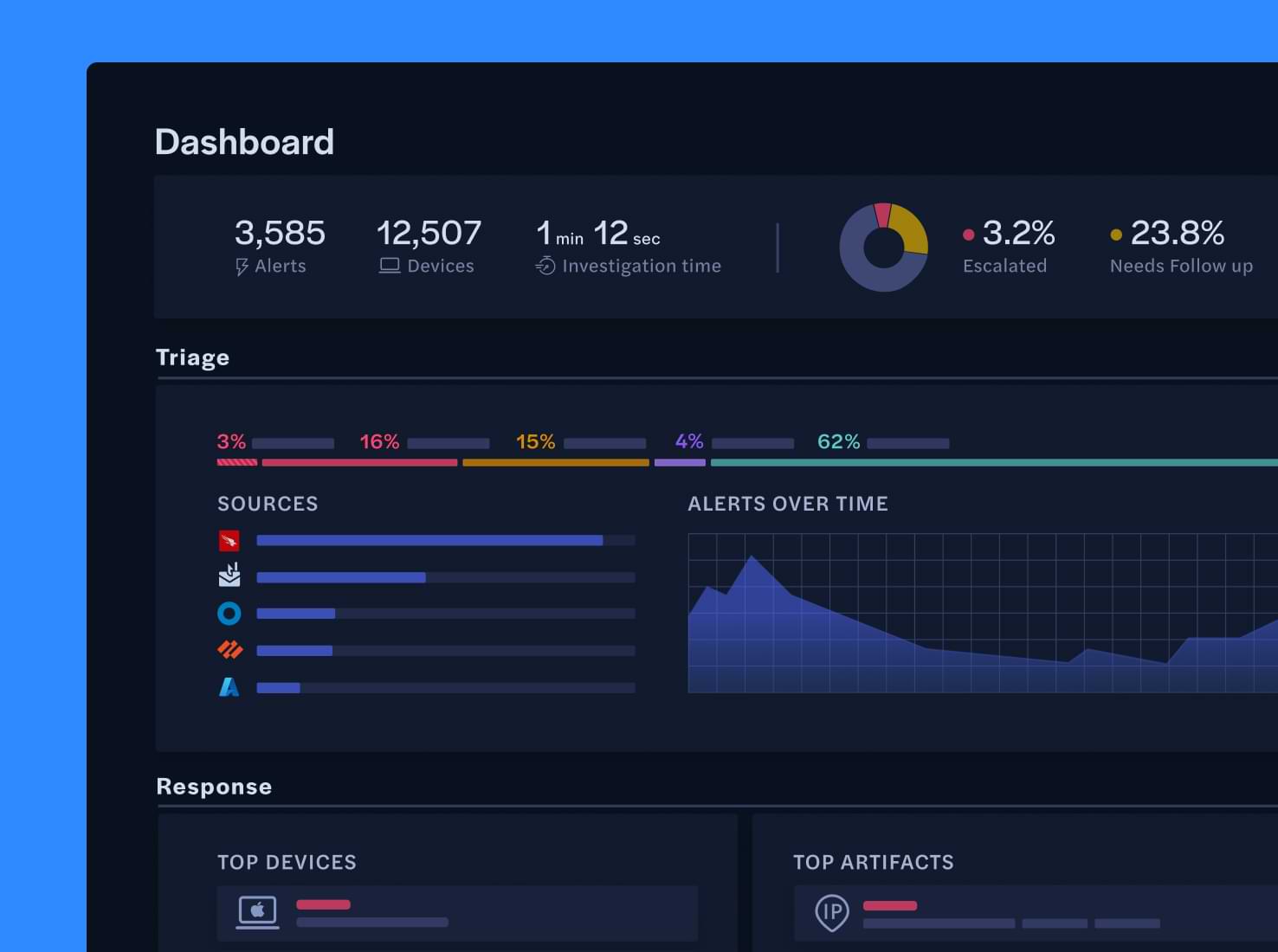

Reported phishing triage
Accelerate the investigation of every reported phishing alert with AI-powered, forensic analysis that emulates human decision-making at machine-scale.
Achieve inbox zero with your abuse inbox
Break the logjam of user reported phishing alerts with AI-powered investigation and response that automatically resolves, remediates, or escalates email-based threats in under 2 minutes.

Instant, accurate analysis
Extracts metadata, sandboxes and scans attachments, analyzes URLs and their destinations, and evaluates email content using advanced AI.

Automated verdicts
Uses an extensive built-in toolkit to investigate and classify phishing emails with high accuracy, escalating only threats that can’t be auto-remediated.

Faster response
Reduces mean time to resolution (MTTR) by auto-resolving common threats and providing detailed intelligence & calibrated tools when auto-remediation isn’t enough.

Connect your security stack
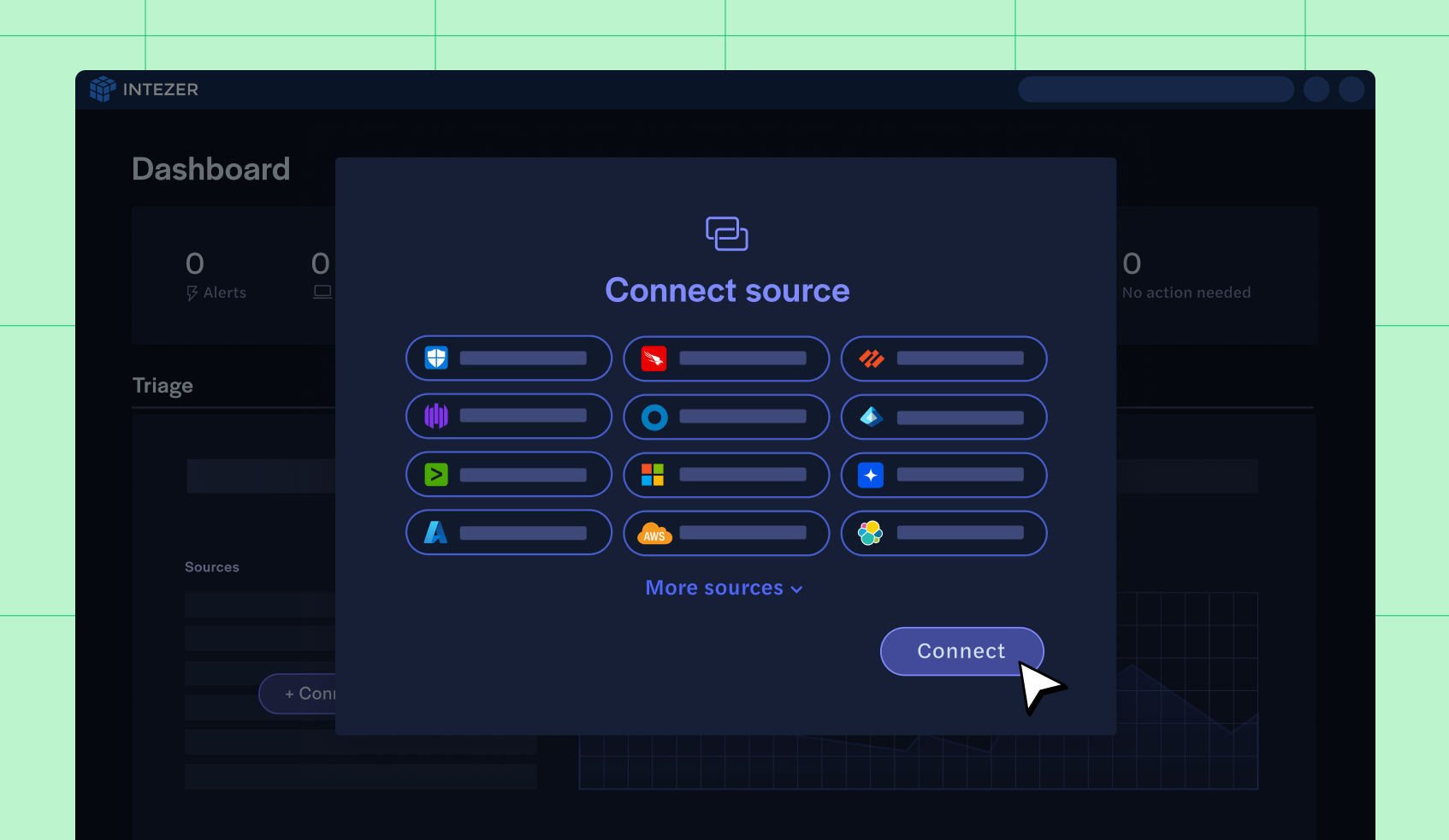
Connect your security products so you can automatically triage and investigate all your phishing alerts with Intezer.





Verdicts you can validate. Remediation you don’t need to initiate.
Intezer AI SOC triages every reported email in seconds and takes immediate action so your team doesn’t have to.

Ingests alerts from other tools and mailboxes
Easily connect to dedicated phishing mailboxes, Office 365 Report Phishing, Proofpoint PhishAlarm, and more.
One-click integrations with your existing security tools
Support for simple forwarding rules and plugins enable rapid deployment without extensive engineering efforts

Identifies and collects evidence with context for every alert
Automatically associates headers, attachments, URLs, email content, related alerts and context.


Uncovers hidden threat indicators
Leverages AI, sandboxing, forensic analysis, and other integrated tools to detect obfuscation, credential theft attempts, and malware delivery mechanisms that characterize phishing tactics, malicious payloads, and impersonation attempts.


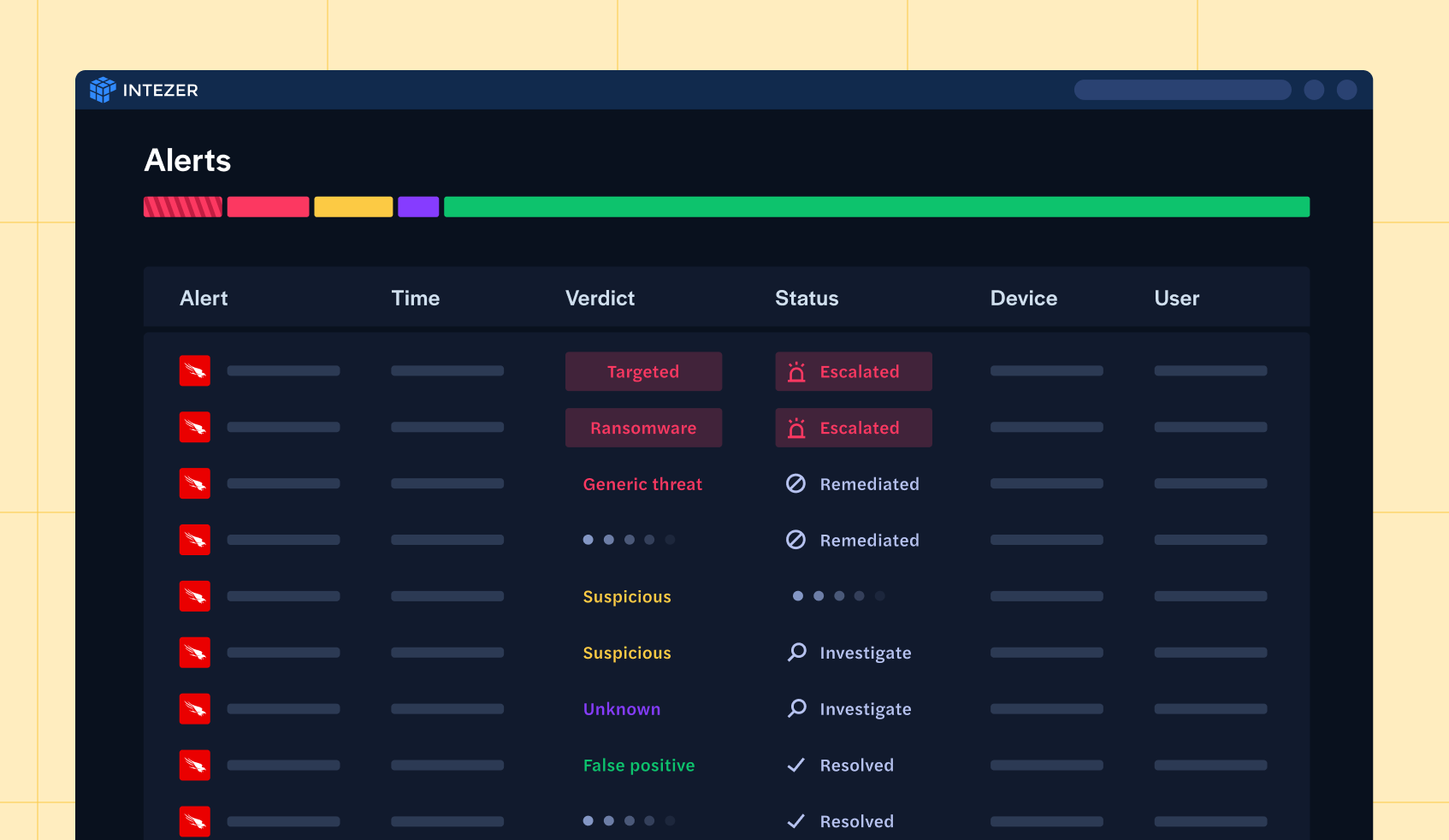
Prioritizes phishing threats based on risk
Classifies emails by risk level, auto-resolves false positives, and escalates critical threats requiring security team intervention.

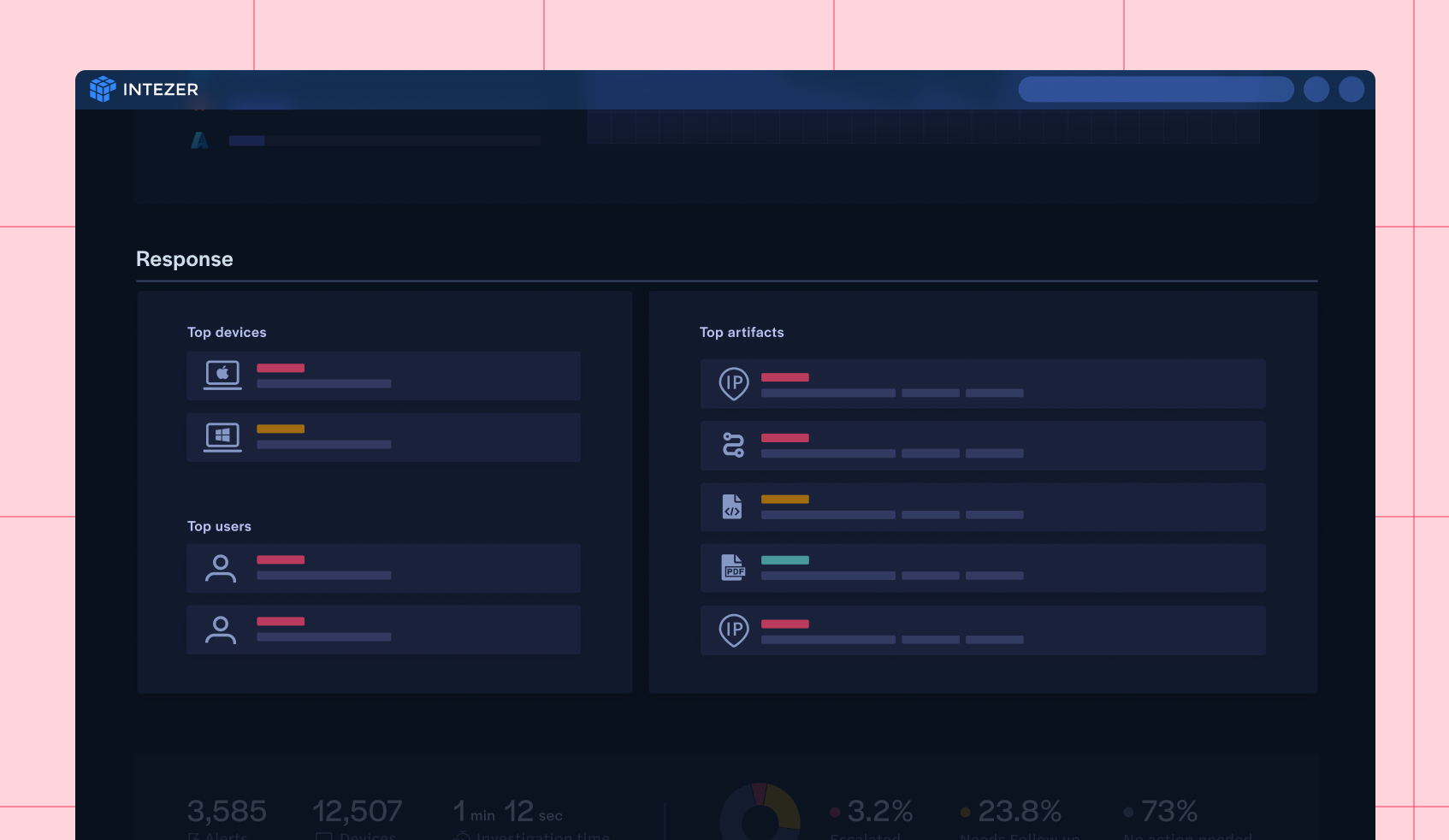
Automates response or escalates to your SOC team
Works with your SOAR tools or uses embedded capabilities to block malicious senders, disable compromised accounts, or escalate incidents with detailed analysis and recommended next steps.
Automated, end-to-end phishing investigation from user report to case closed
Ensure that every reported email gets reviewed, analyzed, triaged, and dispensed using the same investigation techniques and strategies your team would, if they had enough time.


Interactive sandboxing for in-depth investigation
Access Intezer’s interactive sandbox environment to safely engage with email components in real-time, uncovering hidden indicators of compromise and understanding the attack’s intent without risking system security.

Relief your team will feel immediately
Implementing Intezer AI SOC for phishing alerts yields tangible benefits:
98%
of false positive reported phishing resolved without human engagement. Get notified only about threats you should know about
100%
of reported emails (including attached files and URLs) are deeply investigated automatically, with actionable recommendations for each case
5 min
to integrate to your phishing inbox via SOAR, built-in plugins for Office 365 and Proofpoint, or with a simple forwarding rule.
Anatomy of a phishing investigation

Evidence collection
Intezer collects and analyzes various evidence associated with the alert to investigate it, just like a human would do, such as files and processes, command lines, related alerts about the same user or file, and information from the tool that originally fired the alert

Threat indicators
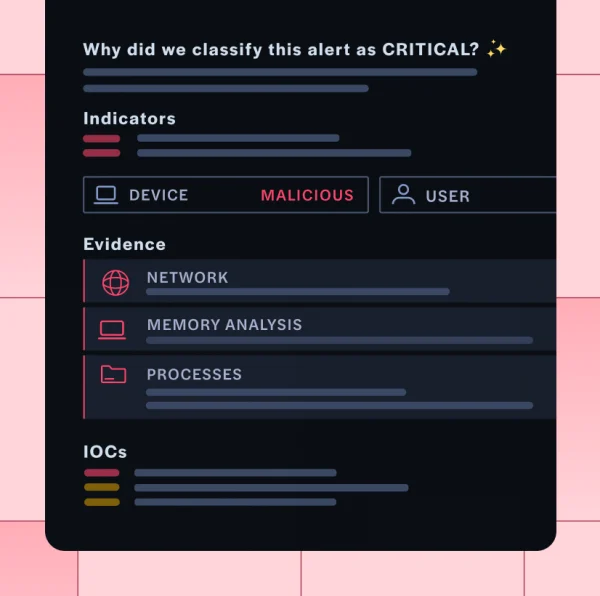
From the evidence, Intezer clearly identifies the malicious or suspicious indicators (or lack thereof) that indicate whether the email is a threat.
.png)
Analysis & verdict
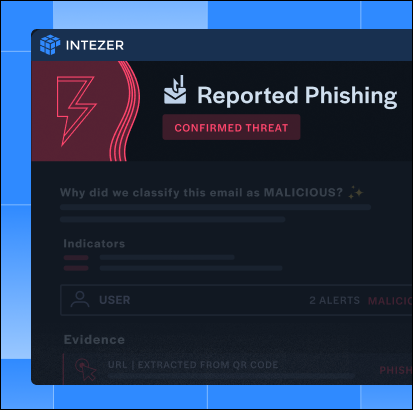
Taking all evidence and threat indicators into account, Intezer makes a verdict and takes response (see below) if relevant. Analysts reviewing escalated (or any!) alerts have visibility into the indicators that led to the verdict, as well as a sandbox to dig in further if necessary

Response & recommendations
Intezer’s accuracy enables it to take action, dismissing and closing out cases for false positives, notifying for non-urgent issues, or escalating for critical alerts. Intezer can also be configured to take action itself, e.g., by blocking a user or triggering a SOAR playbook


See Intezer in action
Discover how AI-powered phishing triage can eliminate alert fatigue and supercharge your SOC's efficiency.